
 Where you hit the ball
Where every shot went
Sending 0 %
Keep this page open until it’s done.
The connection dropped.
What was sent is kept. Try again to send the rest.
The ideal video
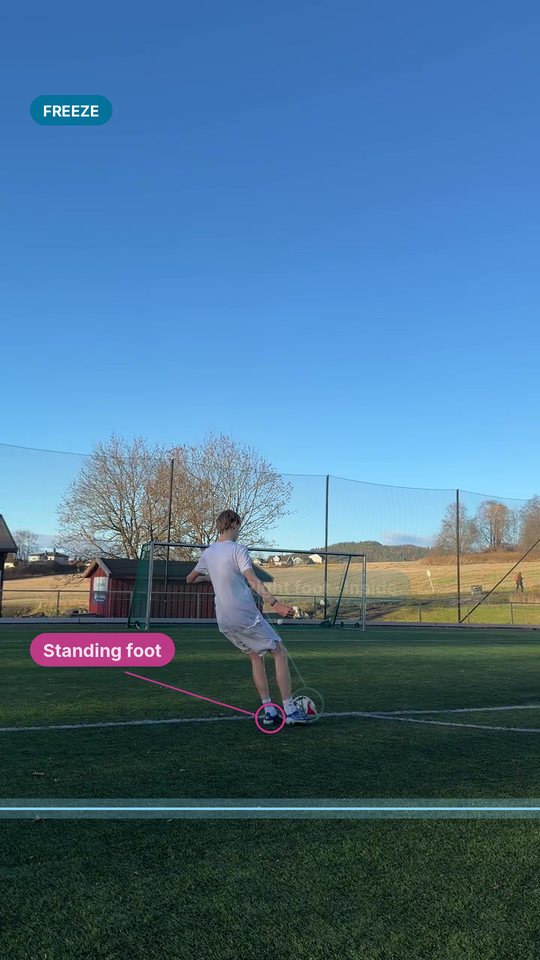
- 60fps
60 fps is idealWe see your foot on the ball more clearly.
How?
iPhone: Settings › Camera › Record Video › 1080p HD at 60 fps. Or tap 30 at the top of the camera in video mode. Android: open the camera’s video settings and pick 60 fps. - 30fps 30 fps works tooA little less precise.
- 5min Up to 5 min per videoOne shot or a whole session. Up to 10 videos.
-
Pick them in FilesThat keeps the original.
Why?
Choosing from Photos can shrink a video. On iPhone, open it in Photos and tap Share › Save to Files first. AirDrop and Google Drive keep the quality too.
Your videos
We remove the place a video was filmed before it leaves your phone. The video itself is sent as it is.
Got them.
You said yes to training: a usable clip gets you a free month at launch.
A person checks every clip within a week and emails you.
Back to Sweetspot